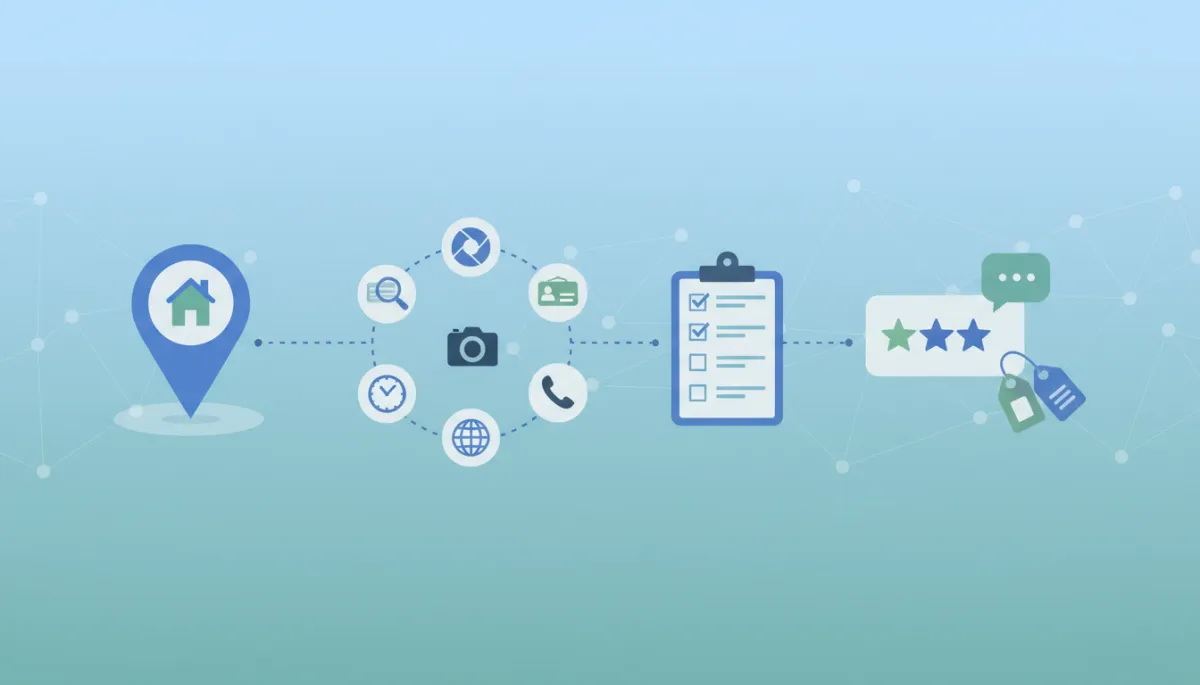
Google Business Profile Checklist for Local Services
A Practical Google Business Profile Checklist for Local Service Businesses
Your Google Business Profile is often the first thing people see when they search for your business or services. A complete, accurate profile helps customers quickly understand who you are, trust that you’re legitimate, and contact you without friction. This practical, section-by-section checklist is designed for small and local service businesses that want clearer visibility and stronger customer confidence—without needing to become marketing experts.
Why a Checklist Matters for Your Google Business Profile
Customers make quick decisions. When they search for a plumber, attorney, physical therapist, or cleaning service, they scan a few listings and choose the business that looks clear, consistent, and trustworthy. A well-maintained Google Business Profile:
Shows customers exactly what you do and who you serve
Reduces confusion about hours, location, and services
Makes it easier for people to call, message, or visit your website
The checklist below walks through each key section of your profile so you can review, update, and maintain it with confidence. Use it as a routine—monthly, or whenever something changes in your business.
1. Business Name: Use Your Real-World Name
Your business name on Google should match the name you use in the real world—on your storefront, website, legal documents, and invoices. Avoid stuffing extra keywords like cities or services into the name if they’re not part of your actual brand. Consistency helps customers recognize you and reduces confusion when they see you elsewhere online or offline.
2. Categories: Make It Clear What You Actually Do
Categories tell Google and customers what type of business you are. Choose a primary category that best matches your main service (for example, “Plumber,” “Family Law Attorney,” or “Physical Therapist”). Then add a few additional categories that are still accurate but more specific to your services. Don’t overdo it—focus on what you truly offer, not everything you might do once in a while.
3. Description: Explain Who You Help and How You Help Them
Your business description is your chance to speak directly to potential customers in plain language. Aim for a short, clear overview that covers:
Who you serve (homeowners, small businesses, families, patients, etc.)
What you specialize in (for example, “emergency drain clearing” or “estate planning for professionals”)
What makes your approach helpful (fast response, clear communication, long-term relationships, etc.)
Keep it honest and straightforward. Avoid buzzwords and big promises; instead, focus on clarity and how you actually serve people day to day.
4. Address or Service Area: Show Where You Really Operate
Accurate location details help customers know if you’re a realistic option for them. If you see customers at a physical location (like a clinic, office, or showroom), use your correct address and make sure it matches your website and signage. If you travel to customers—like home services or mobile professionals—you can set a service area instead of showing a full street address.
💡 Practical tip: Double-check maps placement and driving directions. If customers struggle to find you, adjust the pin or clarify in your description or posts.
5. Phone Number: Make It Easy to Reach a Real Person
Use a phone number that you actually answer during business hours. If you use call tracking or forwarding, make sure the number is still reliable and consistent with your main contact details elsewhere. Customers are more likely to trust a business when calls are answered promptly or returned quickly, especially for urgent services.
6. Website: Connect People to the Full Story
Link to the website page that best represents your business—often your homepage, but sometimes a location or service page is more appropriate. Test the link regularly to ensure it loads quickly and works on mobile. Your Google Business Profile gives a snapshot; your website provides the deeper details people need to feel confident choosing you.
7. Hours: Match Reality, Not Wishful Thinking
Few things damage trust faster than someone driving to your location or calling after hours because your profile shows incorrect times. Set your regular hours based on when customers can reliably reach you. Use the option for special hours on holidays or one-off changes instead of quietly closing early without updating your profile. Accurate hours respect your customers’ time and reduce frustration for your team.
8. Photos: Show the Real Experience, Not Stock Poses
Photos help people picture what it’s like to work with you. Aim for clear, well-lit images that reflect your real business:
Exterior and interior shots so visitors recognize your space
Your team at work in a professional, natural way
Before-and-after examples where appropriate (with customer permission)
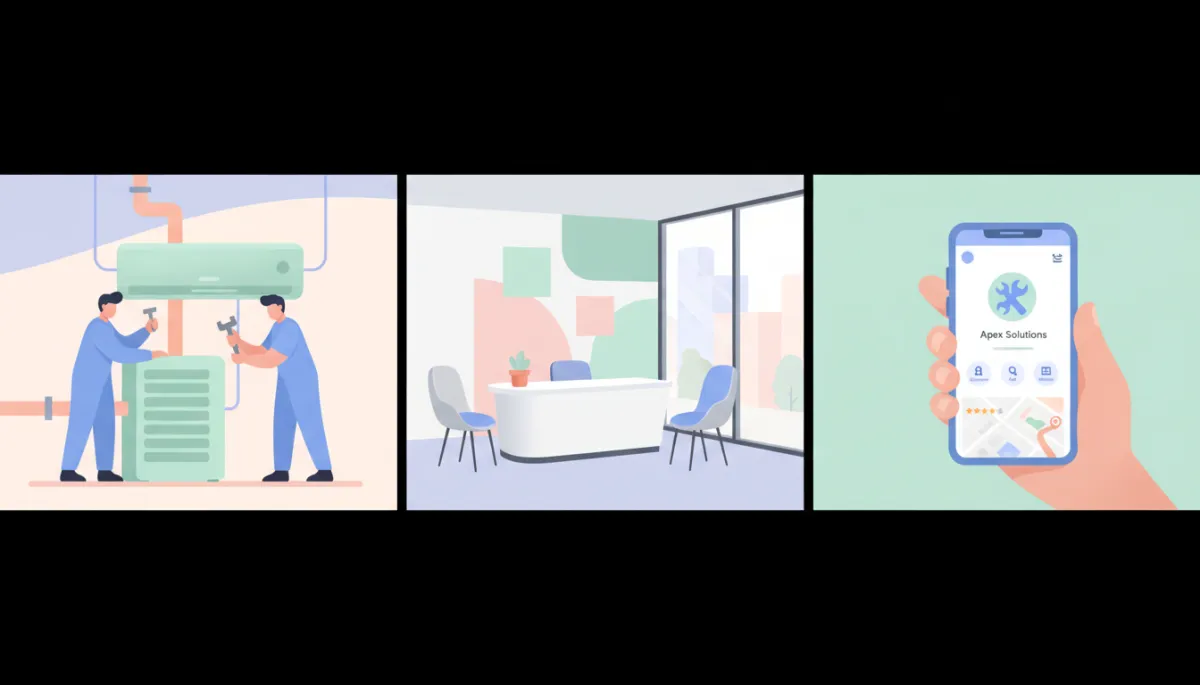
Authentic, up-to-date photos help customers feel more comfortable reaching out.
9. Reviews: Invite Feedback and Respond Thoughtfully
Reviews are social proof that you are who you say you are. Encourage happy customers to leave honest feedback by sending a direct link after a successful visit or completed job. Then, take time to respond:
Thank customers for positive reviews and mention something specific when you can
Address concerns in negative reviews calmly, focusing on listening and solutions where possible
Consistent, human responses show future customers that you care about service and communication, even when things don’t go perfectly.
10. Google Posts: Share Timely Updates and Offers
Google Posts let you share short updates directly on your profile—things like seasonal services, limited-time offers, new team members, or helpful tips. Use them to:
Highlight services that matter most right now (for example, “AC tune-ups before summer”)
Clarify temporary changes in hours or operations
Point visitors to helpful content on your site
You don’t have to post daily. Even one or two meaningful posts per month can keep your profile feeling current and cared for.
11. Products and Services: Spell Out What You Actually Offer
Many local businesses skip this section, but it’s a powerful way to reduce confusion. Add your main products or service lines with short, clear descriptions and, where appropriate, starting prices or price ranges. For service businesses, think in terms of packages or common jobs—for example, “Drain Cleaning,” “Annual HVAC Maintenance,” or “Initial Consultation.”
When customers see their exact need listed, it reassures them they’re in the right place and makes it easier to reach out with confidence.
12. Attributes: Highlight Helpful Details Customers Care About
Attributes are small but meaningful details, like:
Accessibility (wheelchair access, accessible restroom)
Payment options (credit cards, contactless payments)
Online services (online appointments, telehealth, virtual consultations)
Choose only the attributes that truly apply to your business. These details help customers with specific needs decide faster and feel more comfortable choosing you.
13. Duplicate Profiles: Clean Up Confusing Listings
Sometimes old or automatically created listings appear for your business. Duplicate profiles can split reviews, show outdated information, or send customers to the wrong place. As part of your checklist:
Search your business name and address on Google and Maps to see if more than one listing appears
Claim and manage profiles that belong to you, then follow Google’s process to report duplicates or request that they be merged or removed where appropriate
A single, accurate profile is easier for customers to trust and for your team to maintain over time.
14. Outdated Information: Build a Habit of Regular Reviews
Your business changes—hours shift, team members move on, services evolve, and promotions end. Outdated information can quietly erode trust, even if everything else looks good. Add a simple recurring reminder to:
Confirm hours and special hours are still accurate
Remove or update expired offers in Google Posts and products/services
Refresh photos that no longer represent your current space, branding, or team
Key takeaway: Your Google Business Profile is not a one-time setup task. Treat it like a living, customer-facing asset that deserves regular attention.
FAQ: Keeping Your Google Business Profile in Shape
How often should I update my Google Business Profile?
Review your profile at least once a month and any time something changes—such as hours, services, pricing structure, or contact details. You don’t need to rewrite everything each time, but a quick scan helps you catch outdated information before it confuses customers. Adding a new photo or post every so often also keeps the profile feeling current.
Should a service-area business show its address?
If you primarily travel to customers and don’t serve people at your location, you can hide your street address and set a service area instead. This is common for home services and mobile professionals. The key is honesty: represent how you actually operate so customers know what to expect and aren’t surprised when they can’t visit you in person.
What should I do if I find a duplicate profile?
First, confirm that the duplicate truly represents your business and isn’t a different location or an old brand you no longer use. Then, claim the listing if possible so you have control. From there, you can follow Google’s steps to report the duplicate and request that it be merged with your main profile or removed, depending on the situation. The goal is to leave customers with one clear, accurate listing to rely on.
Turn Your Profile into a Visibility and Trust Asset
A strong Google Business Profile doesn’t need tricks or complicated tactics. It needs clarity, accuracy, and consistency. When customers can quickly see what you do, where you work, when you’re open, and how to reach you, they’re more likely to feel confident taking the next step—calling, booking, or visiting your website to learn more.
GenM Online is built to help local and service businesses connect the dots between visibility, trust, and day-to-day operations. If you’d like to see how your current online presence looks from the outside, including your Google Business Profile and other key listings, you can start with a simple, no-pressure checkup.
Start Your Free Visibility Scan with GenM Online to see where your profile is strong, where it’s incomplete, and what you can improve next.
If you’re exploring how a connected platform could help you manage visibility, reviews, and customer communication in one place, you can also learn more about GenM Online’s approach at Solutions


